The Netflix Bill Just Got More Expensive (Here’s Your Solution)
Netflix’s recent changes have hit subscribers hard. The password sharing crackdown that began in 2023 now affects millions of households who previously split accounts. Combined with price increases—the Standard plan jumped to $15.49 monthly and Premium now costs $22.99—many users are reconsidering whether Netflix is worth the investment.
If you’re frustrated by paying more while sharing less, you’re not alone. But canceling means losing access to exclusive shows, upcoming releases, and your carefully curated watch list. The better solution? Cover your Netflix subscription using earned gift cards instead of paying out of pocket.
This guide reveals legitimate methods to earn free Netflix gift cards in 2026. These aren’t hacks or exploits—they’re legal reward programs that let you offset or eliminate your monthly bill entirely. By the end of this article, you’ll know exactly how to keep watching without the financial guilt.
📌 Quick Answer: How to Get Free Netflix
- The Problem: Netflix costs $15.49+ monthly and killed password sharing.
- The Solution: Earn gift cards through legitimate reward apps during your downtime.
- The Method: Use platforms like GiftCards Daily to accumulate points, then redeem for PayPal cash or Netflix gift cards.
- The Timeline: Typically 5-7 days of casual effort covers one month of Netflix Basic.
Do Free Netflix Code Generators Work? (The Truth)
Let’s address the elephant in the room: those websites promising “unlimited free Netflix codes” or “working Netflix generators 2026” are 100% fake.
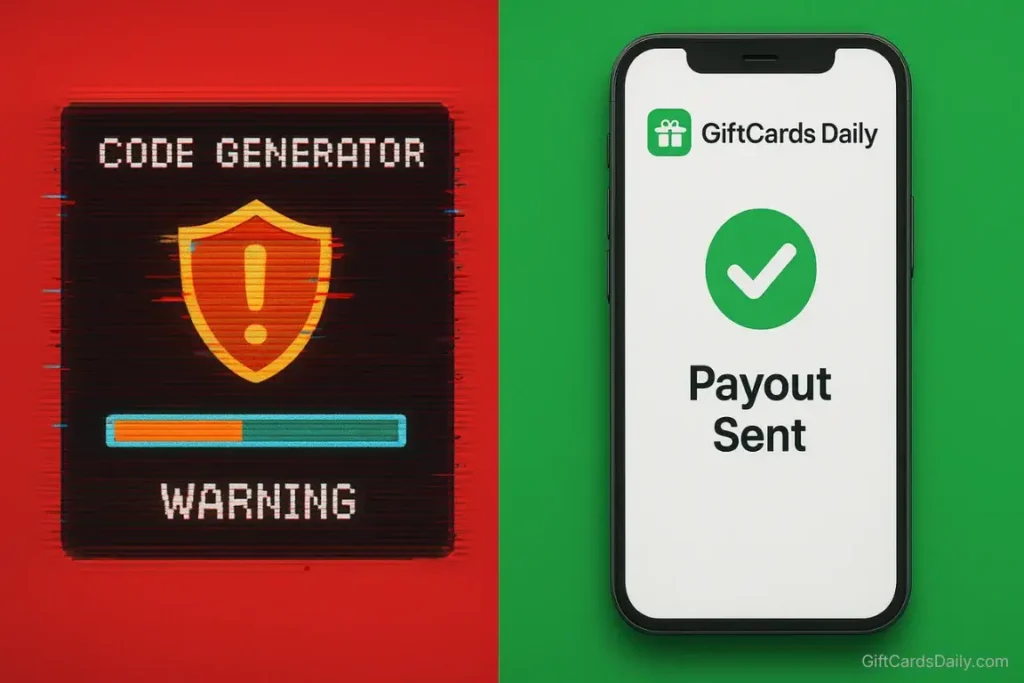
Here’s why code generators cannot work:
Netflix gift cards use unique, cryptographically secure PINs that are generated and tracked by Netflix’s payment systems. Each code is tied to a specific dollar amount and can only be redeemed once. There’s no algorithm that can “generate” valid codes any more than you can guess someone’s credit card number.
These scam sites operate through one of several methods:
- Survey Loops: They promise a code after “one quick survey,” which leads to another survey, then another, generating ad revenue while never delivering codes.
- Malware Distribution: The “verification download” installs spyware or cryptocurrency miners on your device.
- Phishing Operations: They collect your email, phone number, and other personal details to sell to data brokers or use in future scams.
- Credit Card Traps: They claim you need to “verify you’re human” by entering credit card information for a “$1 verification charge” that becomes recurring unauthorized charges.
The honest truth: Legitimate Netflix gift card codes must be purchased—either by you directly, or by an advertiser who pays a reward platform to distribute them. There are no shortcuts, and anyone claiming otherwise is lying to you.
How to Earn Legit Netflix Credit with GiftCards Daily
Instead of chasing fake generators, the proven method is using GiftCards Daily—a legitimate reward platform that compensates users for completing simple tasks. The business model is straightforward: advertisers pay the platform for your engagement, and you receive a portion of that payment in gift cards.
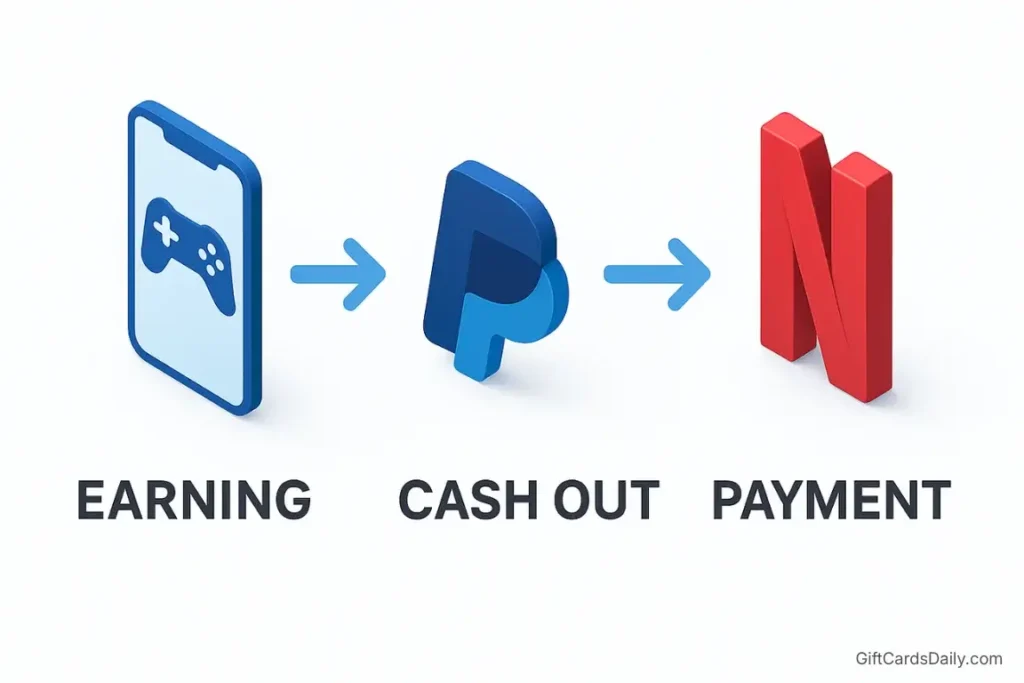
Step 1: Download & Select “Entertainment” Tasks
Start by installing the GiftCards Daily app (available on Android). After creating your free account, navigate to the task categories and filter for “Entertainment” or “Streaming” offers. These typically include:
- Casual mobile games that reward points for reaching specific levels
- Video ads from streaming services promoting new shows
- Short surveys about your viewing habits (usually 2-3 minutes)
- App testing for new entertainment apps
The key is selecting tasks that fit naturally into your downtime. If you’re already playing mobile games during your commute, you might as well earn rewards while doing it.
Step 2: Accumulate Points (Time Estimate: 1 Week for Basic Plan)
Let’s set realistic expectations. You won’t earn a month of Netflix in one day, but you can absolutely cover your subscription with consistent effort.
Here’s the typical earning timeline:
- $10 gift card: 3-5 days of casual engagement (15-20 minutes daily)
- $15 Netflix Basic monthly cost: 5-7 days of focused effort (20-30 minutes daily)
- $25 for multiple months or higher tiers: 10-14 days of consistent participation
The platform awards points based on task complexity. Watching a 30-second ad might earn 50 points, while completing a game level could award 500+ points. Most users report that $10 is achievable within a week without significantly disrupting their routine.
The advantage over traditional survey sites: tasks are shorter and more engaging. Instead of grinding through 40-minute surveys for $1, you’re playing games or watching content you might enjoy anyway.
Step 3: Payout via PayPal or Direct Gift Card
Once you’ve accumulated enough points, you have two primary redemption options for Netflix:
Option A: PayPal Cash (Most Flexible)
- Redeem your points for PayPal cash transfer
- Link your PayPal account to Netflix as your payment method
- Netflix automatically draws from your PayPal balance each billing cycle
- Works for any Netflix plan tier and doesn’t require app store subscriptions
Option B: Netflix-Specific Gift Cards
- Some reward platforms offer direct Netflix gift card codes
- Alternatively, redeem for Google Play or iTunes credits if you subscribed through mobile apps
- This method works well if you manage multiple subscriptions through app stores
Payout processing typically takes 24-48 hours. You’ll receive your redemption code via email or see the funds appear in your PayPal account. There are no hidden fees, processing charges, or minimum withdrawal penalties.
Applying Your Rewards to Your Netflix Account
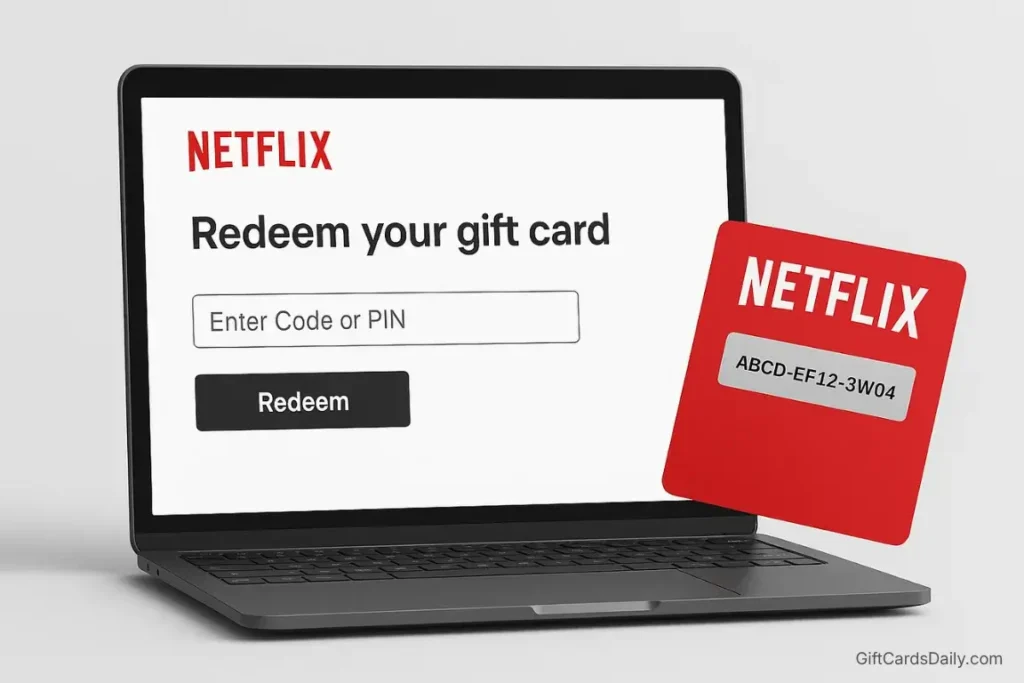
Once you have your gift card code or PayPal balance ready, here’s the exact process for applying it to Netflix:
For Netflix Gift Card Codes:
1. Visit the Redemption Page: Go to netflix.com/redeem (or access it through Account Settings).
2. Enter Your PIN: Scratch off the protective coating on your gift card to reveal the 11-digit PIN, then enter it in the redemption field.
3. Confirm Application: Click “Redeem” and the credit will immediately apply to your account balance.
Important Notes:
- For existing accounts: The credit is applied to your account balance and will be used automatically for your next billing cycle. If your credit covers multiple months, Netflix won’t charge your primary payment method until the balance is depleted.
- For new accounts: You can redeem a gift card before entering any credit card information. This lets you start a subscription without providing payment details, though Netflix may eventually require a backup payment method.
For PayPal Payment Method:
1. Access Account Settings: Log into Netflix and navigate to “Account” > “Update payment info.”
2. Select PayPal: Choose PayPal as your payment method and link your account.
3. Automatic Billing: Netflix will automatically withdraw from your PayPal balance each month. If you maintain earned funds in PayPal, you’ll never see charges hit your bank account.
Pro Tip: Set a reminder 2-3 days before your Netflix billing date to ensure you have sufficient PayPal balance loaded from reward earnings. This prevents any payment failures or service interruptions.
Other Methods (That Take Longer)
While reward apps offer the most direct path to free Netflix, several alternative strategies can supplement or replace your subscription costs:
Mobile Carrier “On Us” Deals
T-Mobile Magenta Max subscribers receive Netflix Standard with ads included at no additional cost. If you’re already paying for T-Mobile’s premium unlimited plan, you might be entitled to this benefit without realizing it.
Verizon occasionally offers Netflix bundles with their 5G unlimited plans, though availability varies by promotion period.
The catch: These carrier bundles typically require you to maintain expensive unlimited plans ($80-100 monthly for individual lines). The math only works if you were already planning to pay for premium mobile service. Don’t upgrade your phone plan solely for Netflix—you’ll spend more than you save.
Survey Sites (Swagbucks vs. InboxDollars Comparison)
Traditional survey platforms remain viable, though they’re generally slower than dedicated reward apps:
Swagbucks:
- Offers Netflix gift cards starting at $25
- Typical earning rate: $1-3 per hour of surveys
- Timeline: 8-12 hours of work for one month of Netflix
- Best for: Users who enjoy variety (surveys, cashback shopping, video watching)
InboxDollars:
- Pays in cash (via check or prepaid Visa)
- Similar earning rate: $1-2 per hour
- $30 minimum payout (takes longer to reach threshold)
- Best for: Users who prefer tangible payment methods
Comparison to GiftCards Daily: Survey sites require significantly more time investment. If your goal is specifically funding Netflix, the entertainment-focused tasks on GiftCards Daily are more efficient. However, diversifying across multiple platforms can maximize total earnings.
Credit Card Cashback Strategies
Certain credit cards offer enhanced rewards on streaming subscriptions:
- Chase Sapphire Reserve: 10x points on streaming when using Pay Yourself Back
- American Express Blue Cash Preferred: 6% cashback on streaming services
- Wells Fargo Autograph: 3x points on streaming
For a $15.49 monthly Netflix bill, a 6% cashback card returns about $11 annually—roughly one month free per year. This won’t eliminate your costs but can be stacked with reward app earnings for maximum savings.
FAQ: Netflix Billing Questions
Can I use iTunes or Google Play cards for Netflix?
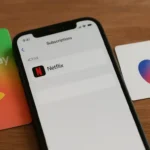
Yes, but only under specific conditions. If you originally subscribed to Netflix through the iOS App Store or Google Play Store, your subscription is billed through Apple or Google. In this case, you can load iTunes or Google Play credit to your account, and Netflix will draw from that balance.
However, if you signed up directly through Netflix.com, you cannot use iTunes or Google Play cards. Your payment options are limited to credit/debit cards, PayPal, or Netflix-specific gift cards.
How to check your billing method: Go to Netflix Account Settings > Billing Details. If it says “Billed by Apple” or “Billed by Google,” you can use app store credits. If it shows a credit card or PayPal, you need Netflix gift cards or PayPal cash.
Do Netflix gift cards expire?
Netflix gift cards themselves never expire. Once redeemed to your account, the credit remains indefinitely until used. However, if you stop your subscription, any remaining balance will be held for up to 10 months before potentially expiring (though Netflix typically preserves the balance longer).
Can I stack multiple gift cards?
Yes. Netflix allows you to redeem multiple gift cards to build up your account balance. There’s no limit to how much credit you can accumulate. This is useful if you earn smaller denomination cards ($10-25) and want to cover several months in advance.
What happens if my balance runs out mid-month?
Netflix will charge your backup payment method (credit card or PayPal) for the remaining balance of that billing cycle. For example, if your plan costs $15.49 and you have $10 credit remaining, Netflix charges your card $5.49. To avoid this, ensure your gift card balance or PayPal funds fully cover your next billing cycle.
Can I share my earned Netflix with family?
Under Netflix’s current policies, password sharing outside your household is prohibited (and they’re actively enforcing this with IP address tracking). However, you can:
Use your earned credits to pay for Netflix Premium (allowing 2 additional paid members outside your household)
Cover the cost of the “extra member” add-on ($7.99/month per person)
Gift earned Netflix gift cards to family members for their own accounts
Stop Worrying About the Monthly Bill
Netflix’s pricing strategy won’t reverse. The days of $8.99 subscriptions and unlimited password sharing are gone. But that doesn’t mean you’re stuck paying premium prices from your paycheck.
By dedicating just 20-30 minutes daily to earning gift cards through GiftCards Daily, you can realistically cover your entire Netflix subscription without spending actual money. The platform essentially acts as a discount mechanism—converting your leisure time into tangible savings.
The math is simple:
- You’re already spending time on your phone daily
- Redirect 30 minutes from mindless scrolling to reward-earning tasks
- Cover $15-25 monthly in streaming costs
- That’s $180-300 saved annually
For the cost of downloading a free app, you can eliminate one of your recurring bills permanently. Your Netflix subscription renews automatically whether you take action or not—you might as well make it free.
Ready to cover your Netflix costs? Download GiftCards Daily now and start earning your next month of streaming. Setup takes less than 3 minutes, and you can complete your first task today.
Want more strategies for saving on entertainment? Check out these related guides:
- Free Entertainment Gift Cards: Complete 2026 Guide (Parent resource covering all streaming platforms)
- Free Spotify Premium: Earning Strategy (Music streaming alternative)
- GiftCards Daily App Review: Is It Worth Your Time? (Detailed platform evaluation)
Information accurate as of December 2024. Netflix pricing and policies subject to change. Always verify current terms on Netflix.com.